Link to WingSet®
Want to let your visitors know about WingSet®? Paste the code below anywhere on your website — it adds a small badge that links directly to wing-set.com.
Preview
Your embed code
<a href="https://wing-set.com" target="_blank" rel="noopener noreferrer" style="display:inline-block;text-decoration:none;">
<div style="background:#ffffff;color:#222222;font-family:sans-serif;width:160px;height:160px;border-radius:6px;border:1.5px solid #cccccc;text-align:center;box-sizing:border-box;position:relative;overflow:hidden;display:flex;flex-direction:column;align-items:center;justify-content:space-between;padding:10px 8px 10px;">
<div style="font-size:12px;font-weight:800;letter-spacing:0.06em;color:#222222;position:relative;z-index:2;">WingSet®</div>
<div style="position:absolute;top:50%;left:50%;transform:translate(-50%,-50%) rotate(-18deg) scale(1.45);z-index:1;pointer-events:none;">
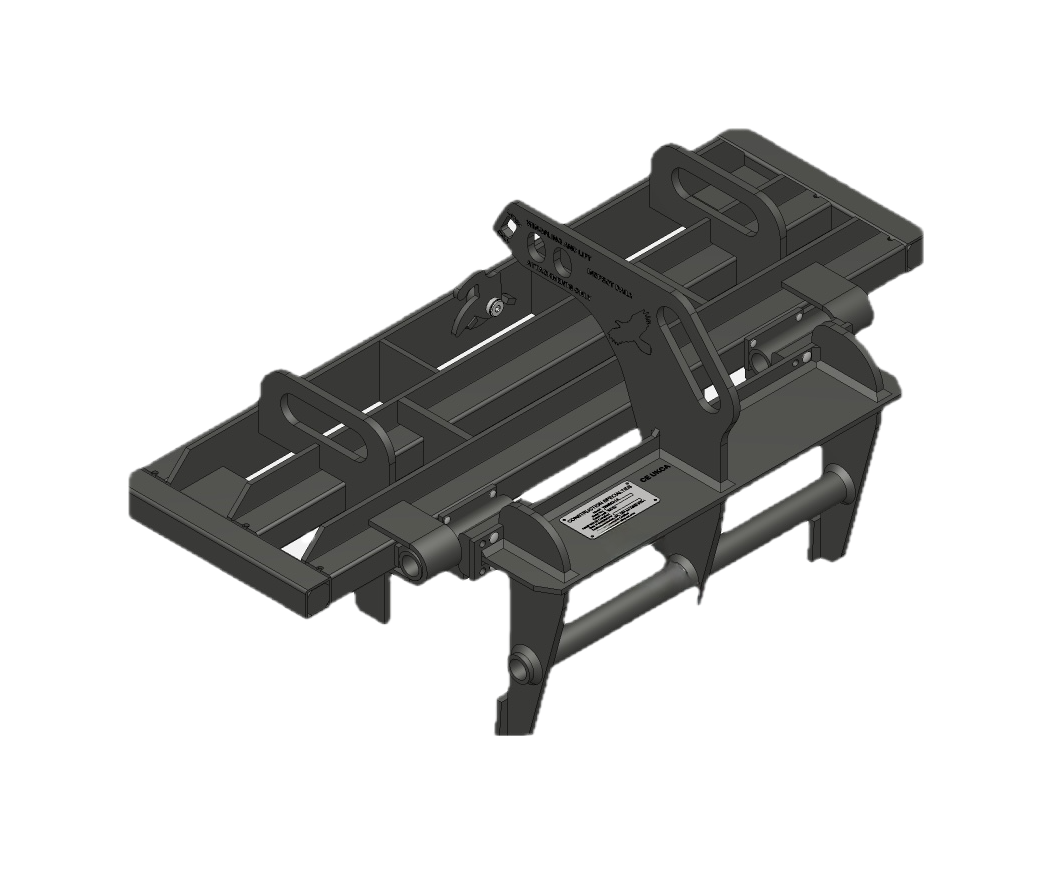
<img src="https://wing-set.com/badge-ws9.png" alt="WingSet WS9 Block Setting System" width="140" height="94" style="display:block;width:140px;height:94px;object-fit:contain;" />
</div>
<div style="font-size:9px;font-weight:700;letter-spacing:0.08em;text-transform:uppercase;color:#333333;position:relative;z-index:2;">Block Setting System</div>
</div>
</a>How to add it to your site
- Click Copy above to copy the embed code.
- Open your website editor and find the page or sidebar where you'd like the badge to appear.
- Paste the code into an HTML block or Custom Code section.
- Save and publish — the badge will appear immediately.
Questions? Email us at tfdonnelly@icloud.com